
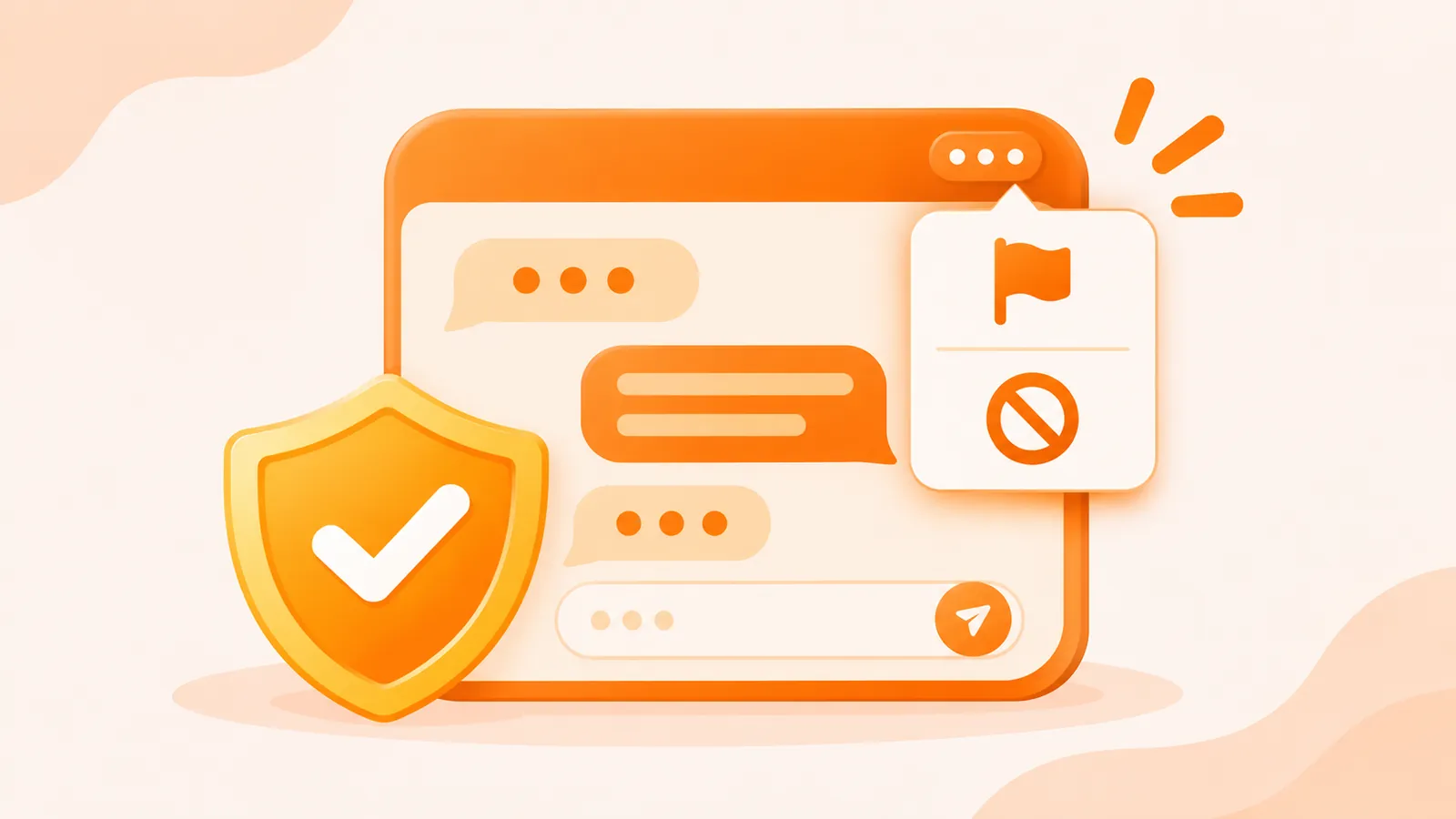
Most conversations on BesideYou go well. When one does not, you do not have to explain yourself or keep replying. This guide shows you where to find the block and report options and when to use each one.
Where to find block and report
Open your chat with the person. The block and report options are in the top-right corner of the chat screen. The exact wording on screen may change between app versions; if it looks different, follow what the app shows.
Block or report: which one?
- Block when you simply do not want this person to contact you again. You do not need a reason.
- Report when the person breaks the Community Guidelines, for example harassment, scams, asking for money, sexual content, impersonation or signs that they are under 18.
You can do both: report first, then block.
Before you report: keep the evidence
- Take screenshots of the messages that show the problem, including the other person’s profile.
- Note roughly when it happened.
- Do not delete the conversation until you have what you need.
Do not send screenshots that show your own sensitive information, such as bank details or one-time passcodes.
After you report
Reports are reviewed under the Community Guidelines, and you will get a reply within 7 working days. Depending on how serious the breach is, BesideYou may remove content, restrict features or ban the account, as set out in the User Agreement.
If you have more information to add, use the feedback feature in the app or email [email protected] with the reported account’s ID, the time and your screenshots.
If your own account was banned
If you believe your account was banned by mistake, you can appeal through any of these channels:
- the feedback feature in the app;
- email to [email protected];
- our official Telegram channel @besideyou_vn.
Include your account ID and a short explanation. Ban appeals are answered within 7 working days. See also Reporting and appeals. Note that no refund is available after an account is banned (see the Account and payments FAQ).
Protect yourself before anything happens
- Choose who sees your posts. Each post has a visibility setting, and you can delete a post from its detail page at any time.
- Keep the conversation on BesideYou. Blocking and reporting only work inside the app.
- Never send money, codes or private photos. Read Online friendship scams and how to avoid them and A safety guide to meeting people online.
If you are being threatened or are in danger, contact the local authorities where you live first.